An OLED can handle games at night and a laptop during the day, but the choice changes when text, static toolbars and cables matter as much as frame rate. Three monitors cover different balances: the Dell S3225QC for a 4K laptop desk, the ASUS PG32UCDMR for 4K PC gaming as well, and the MSI MPG 271QRX for a smaller desk with a KVM.
| Setup | Monitor | Laptop connection | Maximum refresh |
|---|---|---|---|
| 4K work plus console or casual PC gaming | Dell S3225QC | USB-C display, 90W | 120Hz |
| 4K work plus high-refresh PC gaming | ASUS PG32UCDMR | USB-C display, 90W | 240Hz |
| QHD gaming plus two computers | MSI MPG 271QRX | USB-C display, 90W and KVM | 360Hz |
Dell S3225QC: one cable to a 4K laptop desk
The Dell’s 31.6-inch 4K panel provides more desktop detail than a 27-inch QHD screen. Its USB-C display input supplies up to 90W, and its built-in speakers reduce the number of devices on the desk. The 120Hz limit is enough to make everyday scrolling and gaming smoother than 60Hz, but not the choice for someone chasing 240Hz or 360Hz on a PC. RTINGS’ testing found sharp 4K text overall but visible colour fringing around some letters, and warned that static office elements can eventually cause burn-in. Dell specifications.
Dell S3225QC
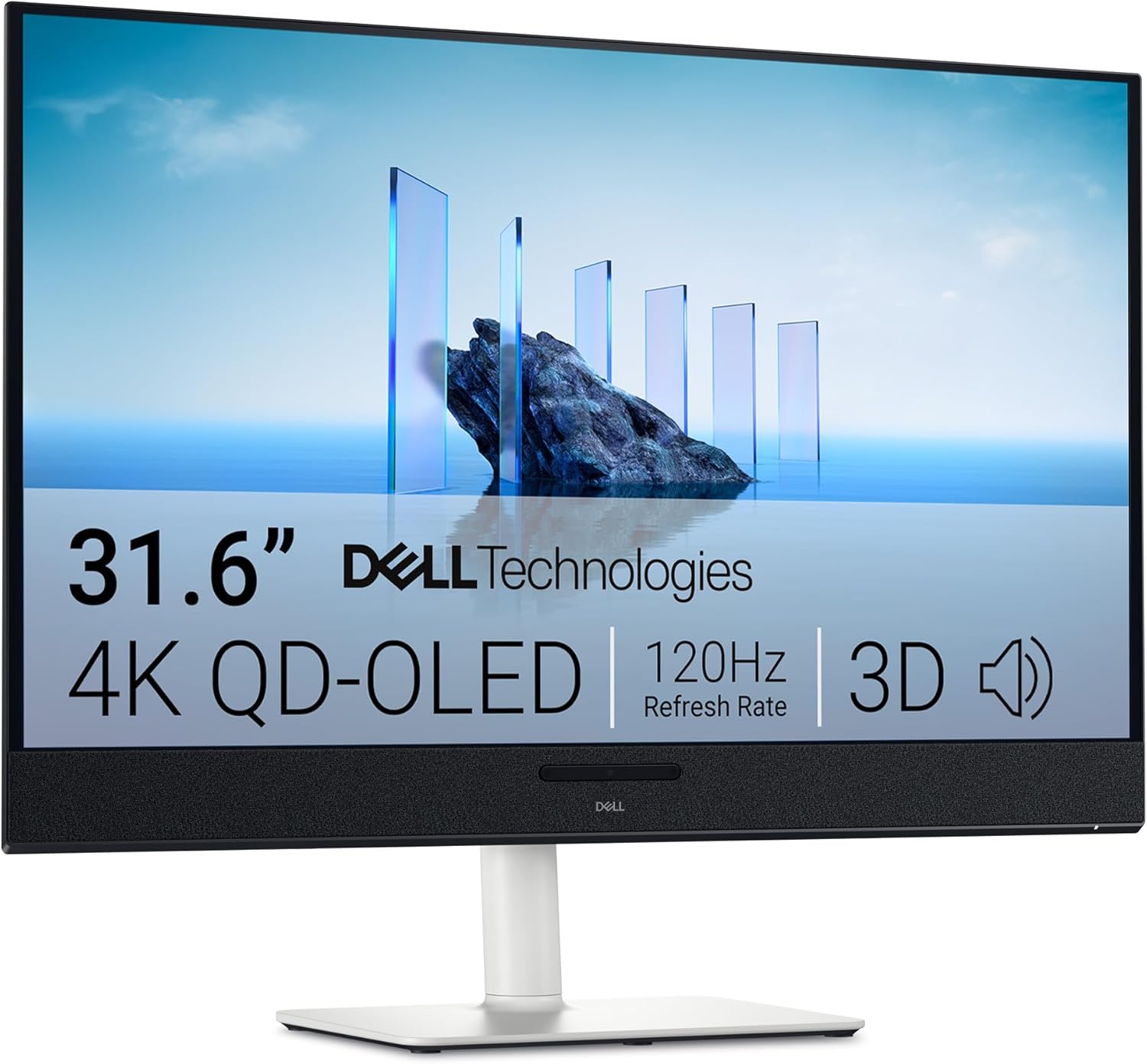
Screen: 31.6-inch QD-OLED, 3840 × 2160
Refresh rate: 120Hz
Ports: HDMI 2.1, USB-C display input (90W)
ASUS PG32UCDMR: 4K and 240Hz
The ASUS combines a 31.5-inch 4K panel with 240Hz, two HDMI 2.1 inputs, DisplayPort 2.1a and a USB-C display input with 90W power delivery. It suits a laptop by day and a powerful desktop PC by night. That gaming headroom has a cost in both monitor price and the graphics hardware needed to run recent games at high frame rates in 4K. ASUS lists a three-year warranty including panel burn-in, subject to its terms. ASUS specifications.
ASUS ROG Swift OLED PG32UCDMR
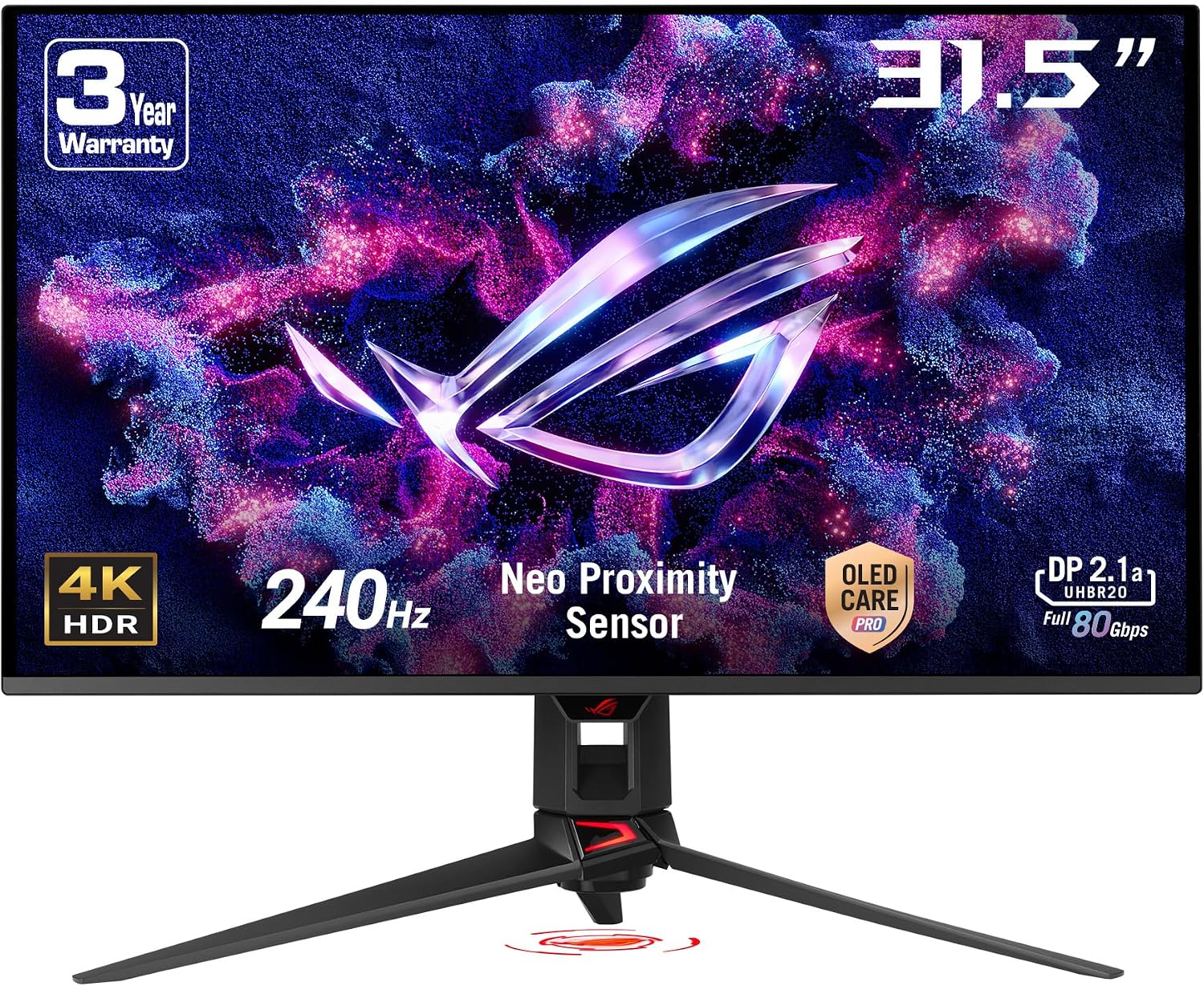
Screen: 31.5-inch QD-OLED, 3840 × 2160
Refresh rate: 240Hz
Ports: DisplayPort 2.1, 2 × HDMI 2.1, USB-C (90W)
MSI MPG 271QRX: the compact shared desk
The MSI drops to a 26.5-inch QHD panel but adds a KVM switch alongside its 90W USB-C display input. That lets a laptop and desktop share attached keyboard and mouse devices without moving cables. Its 360Hz capability is aimed at fast PC games, not office work. RTINGS’ test notes that QD-OLED text looks softer than on many 27-inch LCD monitors, especially if much of the day is spent reading small type. MSI specifications.
MSI MPG 271QRX QD-OLED
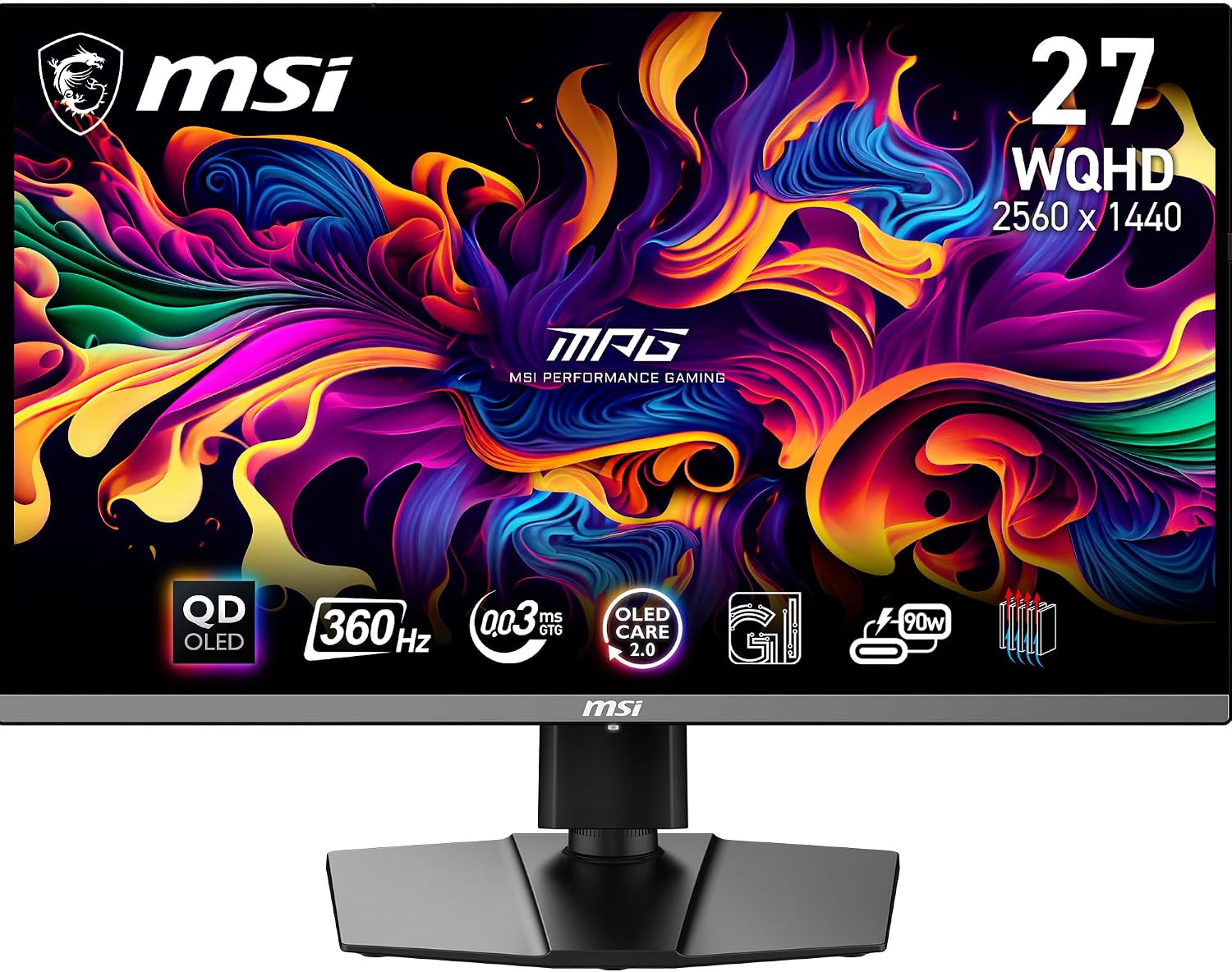
Screen: 26.5-inch QD-OLED, 2560 × 1440
Refresh rate: 360Hz
Connections: 2 × HDMI 2.1, DisplayPort 1.4a, USB-C (90W), KVM
The trade-off that applies to all three
An OLED is easiest to justify when work is mixed with varied games, video and changing windows. Static taskbars, spreadsheets and application chrome are the harder use case because burn-in remains possible over time. Panel-care features and warranty coverage reduce uncertainty but do not make the risk disappear. If the monitor will show the same office layout for most of every working day, compare a 4K LCD as well. If you do choose OLED, 4K gives text more pixels, while a 90W USB-C display input keeps the laptop connection simple.