An OLED monitor is easy to admire in a dark game and harder to choose for the rest of your day. A 27-inch QHD screen can deliver very high frame rates without demanding 4K graphics power. A 32-inch 4K model gives games and desktop text more detail, but costs more and asks more of the GPU. A 34-inch ultrawide changes the shape of the image altogether.
| If you want… | Look at | Main trade-off |
|---|---|---|
| A fast 27-inch QHD screen | MSI MAG 271QP QD-OLED X28 | 1440p rather than 4K detail |
| The highest refresh rate here | Alienware AW2725DF | 360Hz requires DisplayPort; HDMI tops out at 144Hz |
| A simpler 240Hz Alienware | Alienware AW2726DM | No USB-C display connection |
| A 27-inch alternative with gaming controls | ASUS ROG Strix XG27ACDMS | One HDMI input rather than MSI’s two |
| 32-inch 4K and high-refresh gaming | ASUS ROG Swift PG32UCDMR | Premium hardware and a heavier 4K graphics load |
| 32-inch 4K for a laptop desk | Dell S3225QC | 120Hz rather than 240Hz |
| A wider field of view | Samsung Odyssey OLED G8 34-inch | 21:9 support varies by game and video |
MSI MAG 271QP QD-OLED X28: a versatile 27-inch choice
The MSI pairs QHD resolution with 280Hz, so it has room for fast PC games without making 4K a prerequisite. Its two HDMI 2.1 inputs are useful if a console shares the desk with a PC; DisplayPort and USB-C add two more display routes. The USB-C port supplies only 15W, so a laptop still needs its own charger. MSI lists a three-year warranty that includes panel burn-in. The linked Amazon AU listing has Australian buyer comments praising the jump from older 1080p displays, although those are individual experiences, not a guarantee of how it will look in every room. MSI specifications.
MSI MAG 271QP QD-OLED X28
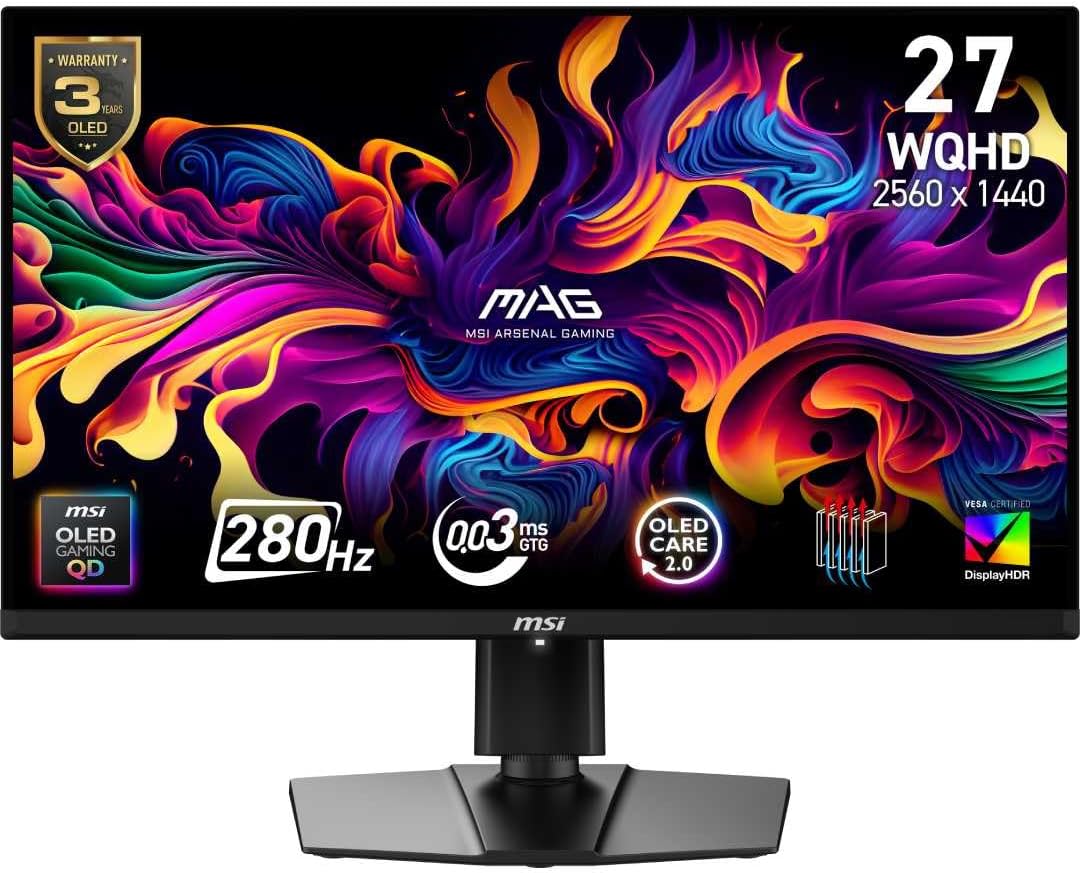
Screen: 26.5-inch QD-OLED, 2560 × 1440
Refresh rate: 280Hz
Ports: 2 × HDMI 2.1, DisplayPort 1.4a, USB-C (15W)
Alienware AW2725DF: 360Hz for a DisplayPort gaming PC
The AW2725DF’s 360Hz QHD panel is the speed-focused option. That full refresh rate is available through DisplayPort; Dell lists a 144Hz QHD ceiling over HDMI. This matters more than the 360Hz headline if you plan to connect a console or use a laptop with HDMI only. Independent RTINGS measurements also flag VRR flicker when frame rates change and softer text than some 27-inch LCDs. For a PC that can push very high frame rates, its motion clarity is the attraction. Dell specifications.
Alienware AW2725DF
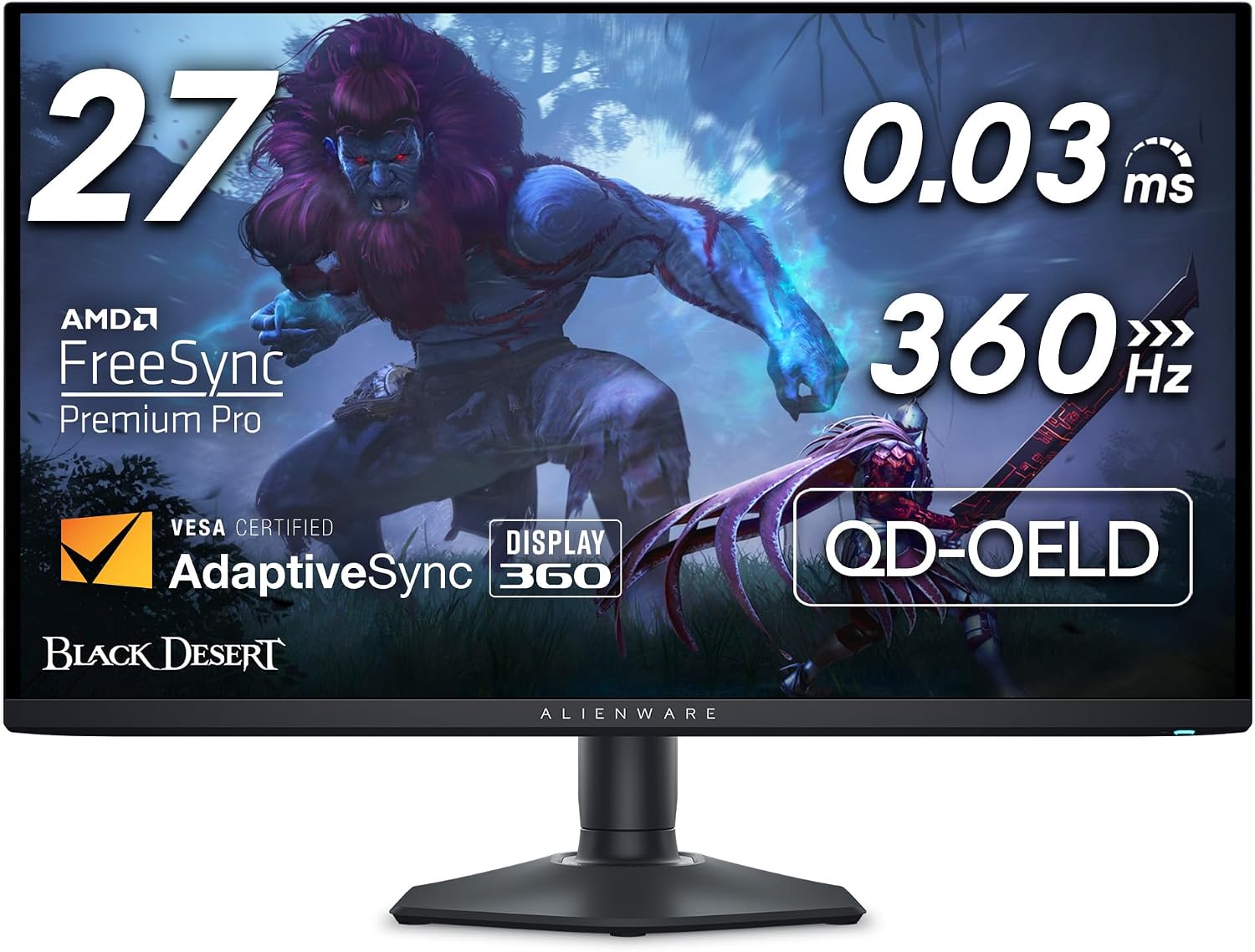
Screen: 26.7-inch QD-OLED, 2560 × 1440
Refresh rate: 360Hz over DisplayPort
HDMI limit: 144Hz at 2560 × 1440
Alienware AW2726DM: 240Hz without extra desk features
The newer AW2726DM keeps the 27-inch QHD QD-OLED format at 240Hz. Dell provides height, swivel, pivot and tilt adjustments, but no USB-C display input or USB hub. That makes sense for a desktop PC with DisplayPort and separate peripherals; it is less convenient for a one-cable laptop setup. Its Amazon AU listing includes reviews of the exact AW2726DM variant, including praise for image quality and a complaint about text fringing. If your day is mostly spreadsheets and small type, inspect an OLED in person if possible. Dell specifications.
Alienware AW2726DM
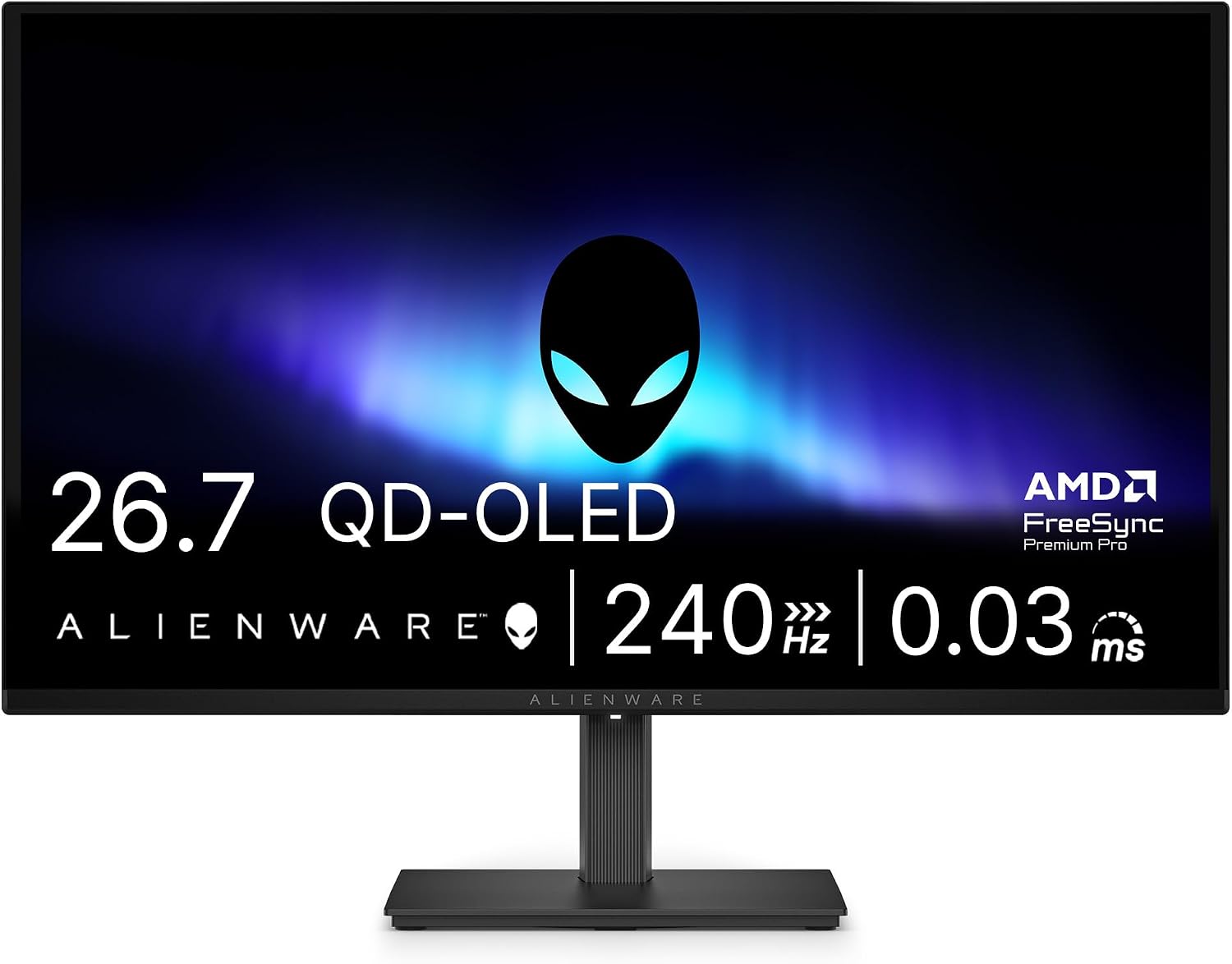
Screen: 26.5-inch QD-OLED, 2560 × 1440
Refresh rate: 240Hz over DisplayPort
Ports: 2 × HDMI, DisplayPort; no USB-C
ASUS ROG Strix OLED XG27ACDMS: another 280Hz route
ASUS matches MSI’s 2560 × 1440 resolution and 280Hz maximum. The practical differences are the connections and controls: ASUS has one HDMI 2.1 input, DisplayPort and USB-C with 15W power delivery, plus DisplayWidget Center for changing settings from the desktop. Its three-year warranty includes panel burn-in. It is an appealing alternative when its price is close to the MSI, but neither 15W USB-C port is a laptop charging dock. ASUS specifications.
ASUS ROG Strix OLED XG27ACDMS
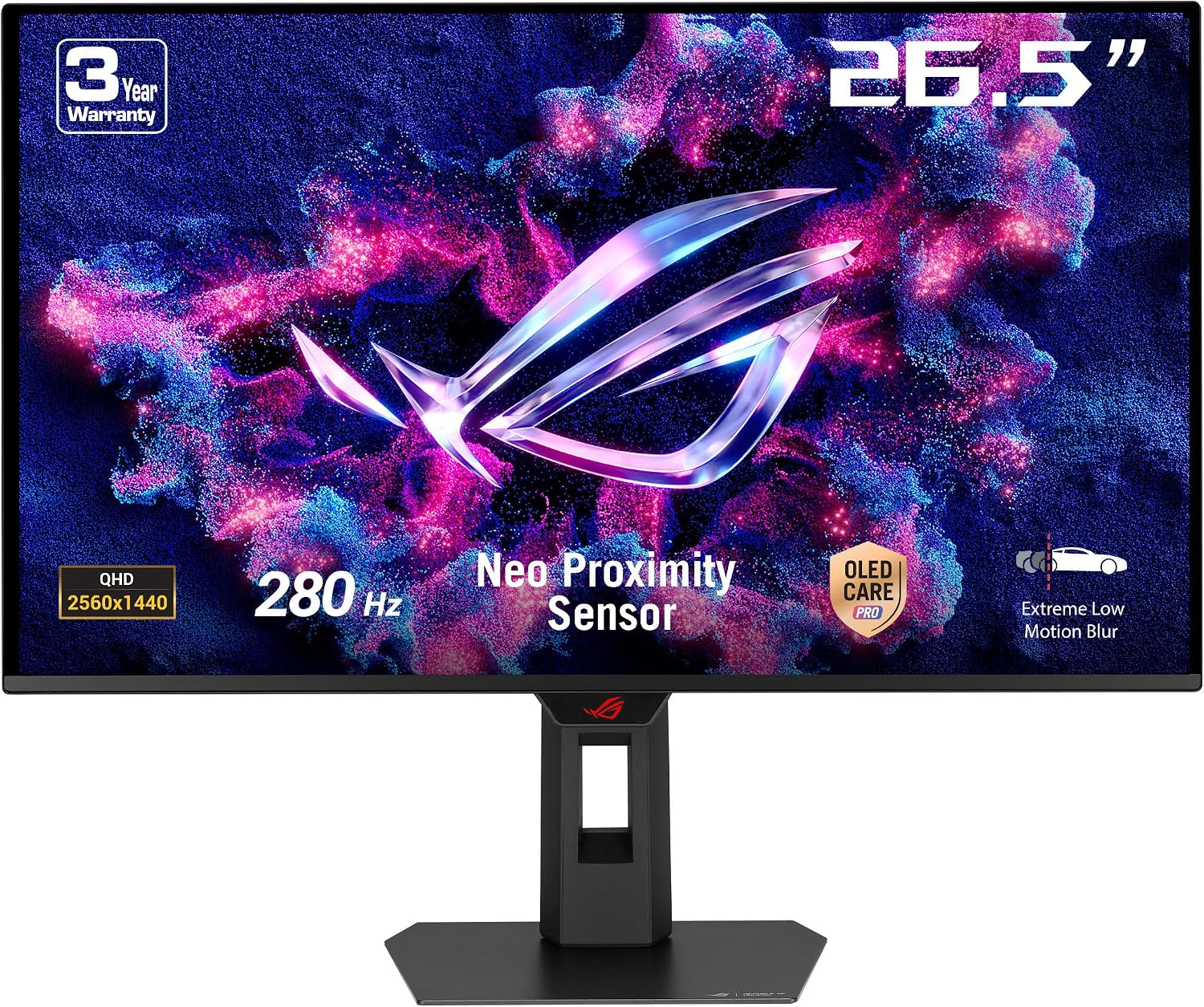
Screen: 26.5-inch QD-OLED, 2560 × 1440
Refresh rate: 280Hz
Ports: HDMI 2.1, DisplayPort 1.4, USB-C (15W)
ASUS ROG Swift OLED PG32UCDMR: 4K at 240Hz
The PG32UCDMR combines a 31.5-inch 4K QD-OLED panel with 240Hz. DisplayPort 2.1, two HDMI 2.1 sockets and a USB-C display input with 90W power delivery make it more flexible than the QHD models above. It suits a powerful gaming PC that can use 4K and a laptop that benefits from one-cable power. The larger, sharper panel is also easier to justify if you split time between games and detailed desktop work. ASUS lists a three-year warranty including panel burn-in. ASUS specifications.
ASUS ROG Swift OLED PG32UCDMR
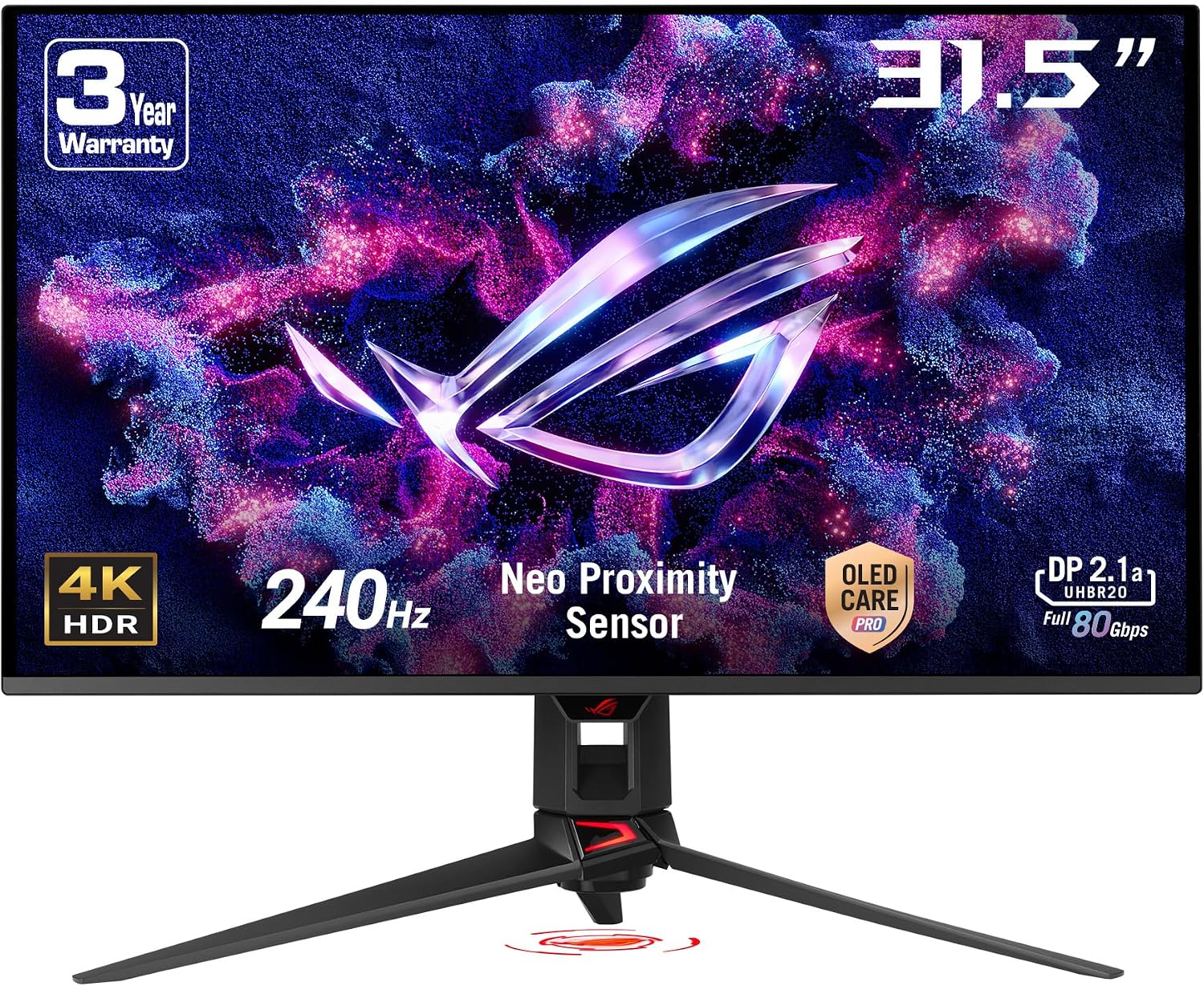
Screen: 31.5-inch QD-OLED, 3840 × 2160
Refresh rate: 240Hz
Ports: DisplayPort 2.1, 2 × HDMI 2.1, USB-C (90W)
Dell S3225QC: 4K OLED for work and entertainment
The S3225QC trades the ASUS monitor’s 240Hz for 120Hz and adds a different emphasis: a 31.6-inch 4K image, USB-C display input with up to 90W laptop power, and built-in audio. It is the more natural fit for a desk used for documents, movies and some gaming. A few Amazon AU customer reviews mention coil whine when powering a laptop over USB-C; other buyers report no such problem. Check recent owner feedback and return terms if your workspace is very quiet. Dell specifications.
Dell S3225QC
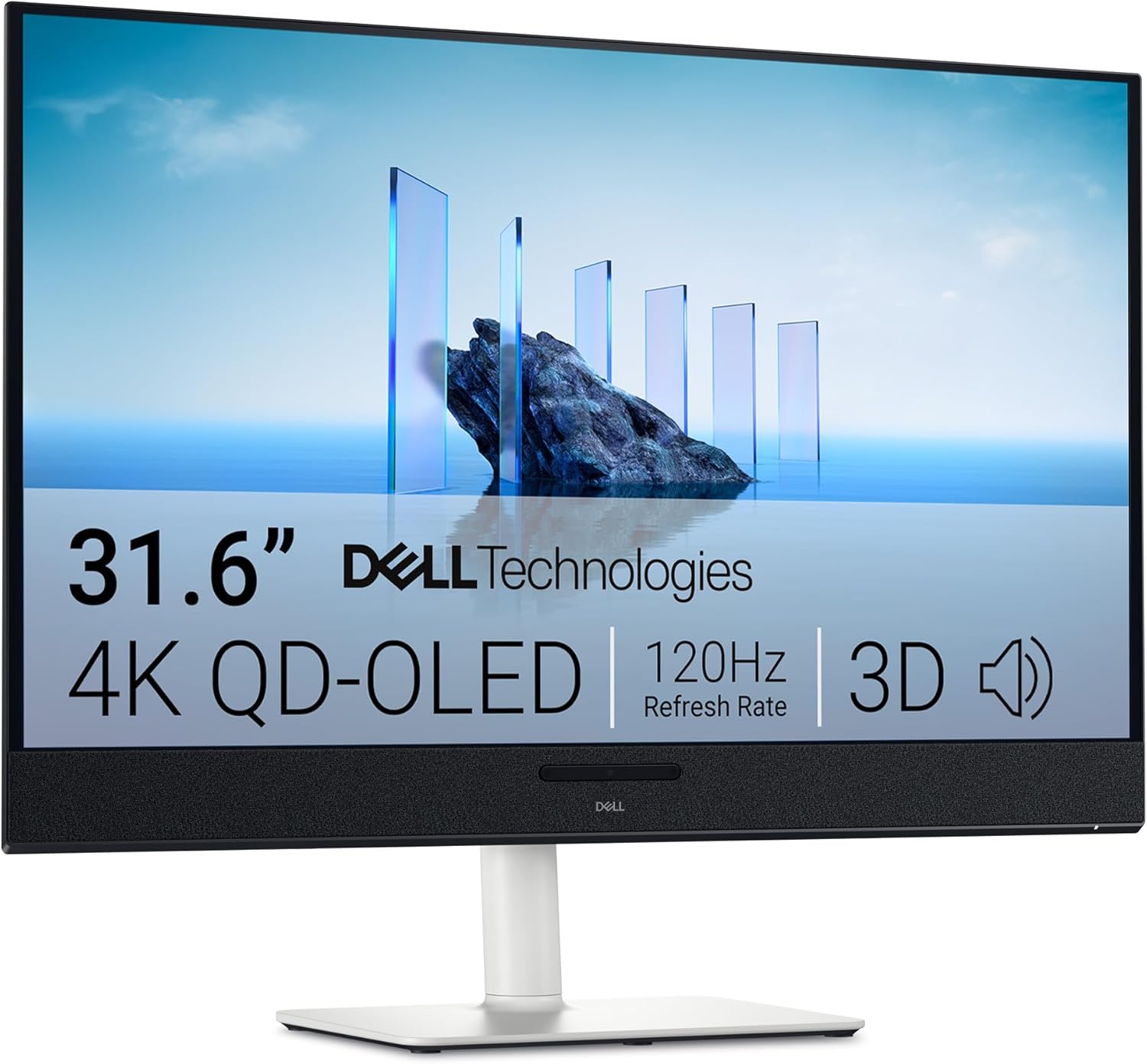
Screen: 31.6-inch QD-OLED, 3840 × 2160
Refresh rate: 120Hz
Ports: HDMI 2.1, USB-C display input (90W)
Samsung Odyssey OLED G8 34-inch: the ultrawide option
The G85SD spreads 3440 × 1440 pixels across a curved 34-inch, 21:9 screen at up to 175Hz. That shape gives supported games more horizontal space and can fit two working windows comfortably. It is less straightforward for 16:9 video and games without ultrawide support, which may show side bars. Samsung lists OLED Glare Free treatment, Gaming Hub and burn-in coverage for normal use within its warranty terms. Samsung specifications.
Samsung Odyssey OLED G8 34-inch (G85SD)
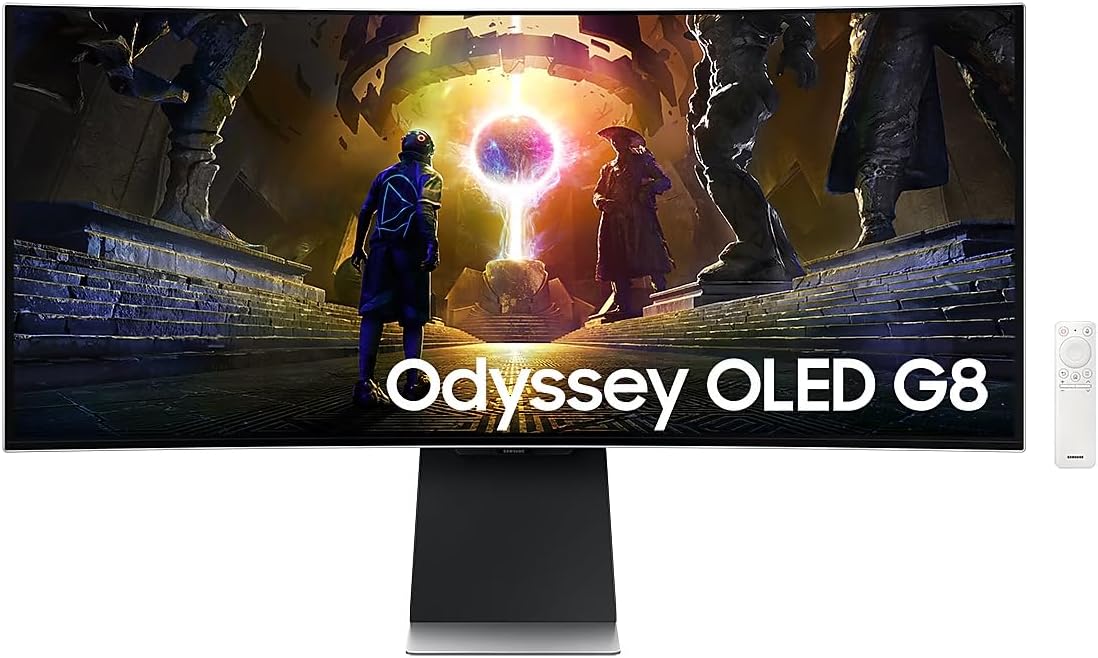
Screen: 34-inch curved OLED, 3440 × 1440
Refresh rate: 175Hz
Aspect ratio: 21:9
Before choosing a size
Choose the resolution and connections first, then compare the live prices. A 27-inch QHD display is a strong fit for high-frame-rate PC gaming; 32-inch 4K gives a larger and sharper desktop; 34-inch 21:9 is a different shape rather than a direct upgrade. All OLED panels can be affected by long exposure to static elements, so read the exact warranty terms and use the panel-care settings supplied with the monitor. Confirm the model number on Amazon AU before checkout: similar names can lead to very different refresh rates and ports.