The MSI MAG 271QP QD-OLED X28 and ASUS ROG Strix OLED XG27ACDMS look almost identical on a short spec sheet: both are flat, 26.5-inch QD-OLED monitors with 2560 × 1440 resolution, a 280Hz maximum and 15W USB-C. Neither wins by having a bigger refresh-rate number. The choice is mainly about the devices that will stay plugged in and the controls you prefer.
| MSI MAG 271QP X28 | ASUS XG27ACDMS | |
|---|---|---|
| Resolution and refresh | 2560 × 1440, 280Hz | 2560 × 1440, 280Hz |
| HDMI inputs | Two HDMI 2.1 | One HDMI 2.1 |
| DisplayPort | One DisplayPort 1.4a | One DisplayPort 1.4 with DSC |
| USB-C | Display input, up to 15W power | Display input, up to 15W power |
| Stand | Height, tilt, swivel, pivot | Height, tilt, swivel, pivot |
| Listed warranty | Three years including panel burn-in | Three years including panel burn-in |
Choose MSI when two HDMI inputs matter
Two HDMI 2.1 sockets are the MAG 271QP X28’s clearest advantage. A PC can use DisplayPort while two consoles remain connected, or one HDMI can serve a laptop adapter. MSI lists 280Hz QHD support on HDMI, DisplayPort and USB-C, with 120Hz modes for current consoles. It also includes OLED Care 2.0. If you move between several sources, an input you do not have to keep unplugging is more valuable than a minor on-screen-menu preference. MSI specifications.
MSI MAG 271QP QD-OLED X28
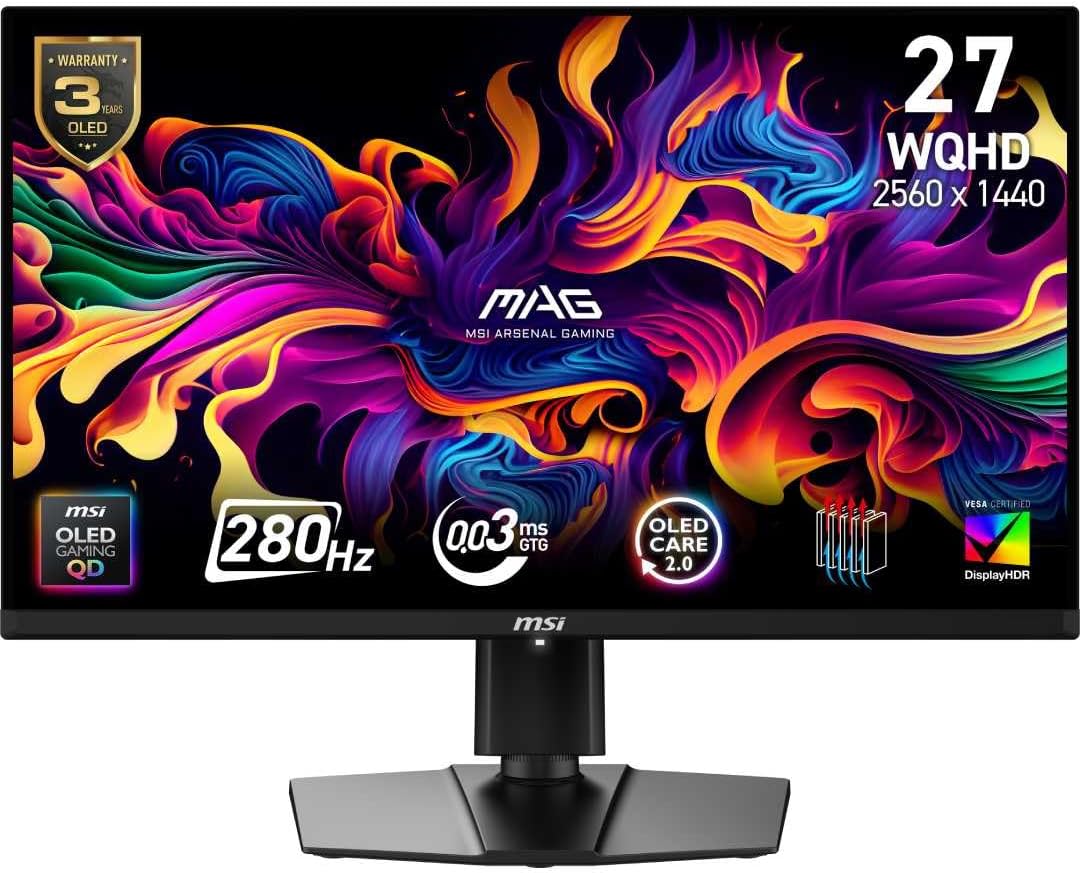
Screen: 26.5-inch QD-OLED, 2560 × 1440
Refresh rate: 280Hz
Ports: 2 × HDMI 2.1, DisplayPort 1.4a, USB-C (15W)
Choose ASUS for its controls and layout
ASUS offers one HDMI 2.1 socket, DisplayPort and USB-C, with DisplayWidget Center to adjust settings from the desktop. Its stand swivels 45 degrees in either direction versus the MSI’s stated 30 degrees, which can matter on a shared desk. The ASUS also has a tripod socket. Neither monitor’s 15W USB-C output is enough to replace a typical laptop charger. Amazon AU feedback for the XG27ACDMS is positive about the picture, but the small review pool is a weak reason to pick it over a similarly priced MSI. ASUS specifications.
ASUS ROG Strix OLED XG27ACDMS
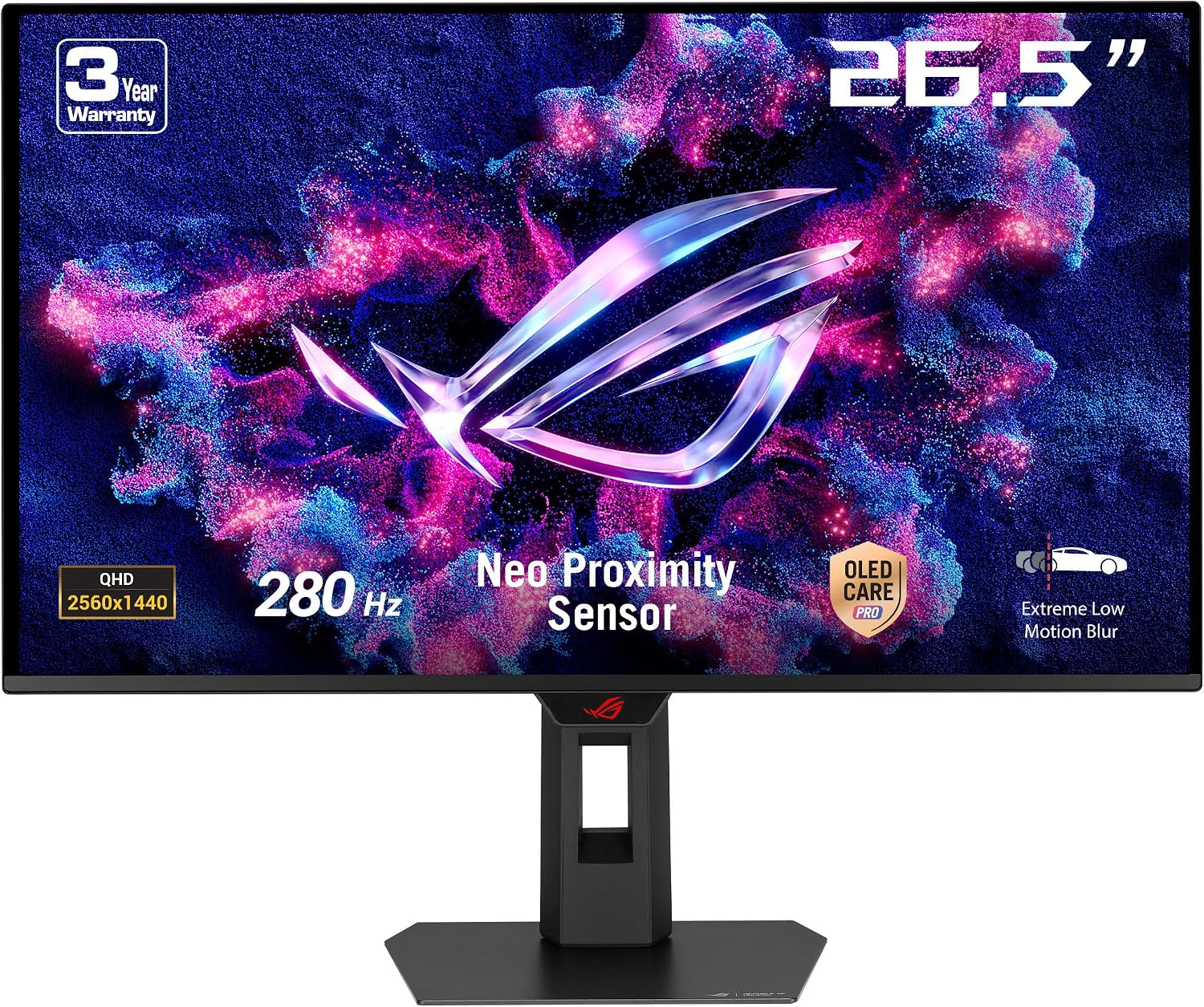
Screen: 26.5-inch QD-OLED, 2560 × 1440
Refresh rate: 280Hz
Ports: HDMI 2.1, DisplayPort 1.4, USB-C (15W)
What does not separate them
Both claim a 0.03ms grey-to-grey response time, have anti-reflection screens, and list three-year panel burn-in coverage. Neither spec proves that one will look better in your room. Both are QHD, so a 4K OLED is the more meaningful change if sharp desktop text and 4K video matter more than very high game frame rates. Check the exact listing variant and current Amazon AU price; if the prices are close, MSI’s second HDMI is the more tangible everyday difference for a multi-device setup.