At 27 inches, 2560 × 1440 still leaves room for high frame rates without the graphics demand of 4K. The four QD-OLED models below all have fast pixel response, so the choice turns on connection limits, stand features and how much refresh rate your PC can actually use. A 360Hz label is less useful if the monitor will spend most of its life on a console at 120Hz.
| Monitor | Maximum refresh rate | Important connection detail |
|---|---|---|
| Alienware AW2726DM | 240Hz QHD | DisplayPort for full 240Hz; no USB-C display input |
| MSI MAG 271QP QD-OLED X28 | 280Hz QHD | Two HDMI 2.1 inputs and USB-C with 15W power |
| ASUS ROG Strix OLED XG27ACDMS | 280Hz QHD | One HDMI 2.1 input and USB-C with 15W power |
| Alienware AW2725DF | 360Hz QHD | DisplayPort for 360Hz; HDMI limited to 144Hz QHD |
Alienware AW2726DM: the 240Hz starting point
The AW2726DM covers the essentials: a flat 26.5-inch QD-OLED panel, QHD resolution and 240Hz over DisplayPort. Its adjustable stand makes positioning easy, and Dell lists three-year OLED burn-in coverage. There is no USB-C display input or hub, so a laptop or a desk with several peripherals may need a separate dock. One Amazon customer review for the AW2726DM mentions text fringing; that is worth considering if small text occupies more hours than games. Dell specifications.
Alienware AW2726DM
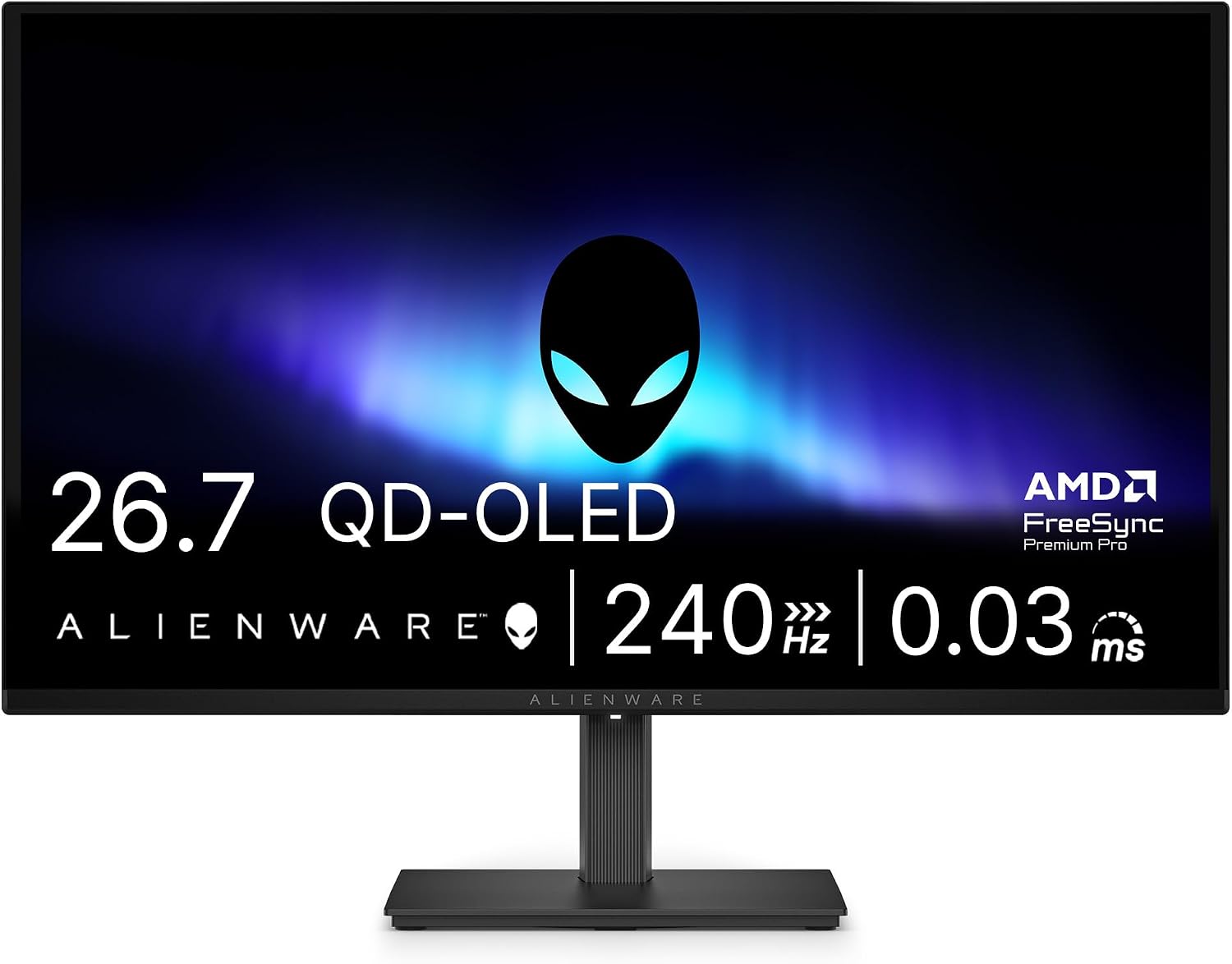
Screen: 26.5-inch QD-OLED, 2560 × 1440
Refresh rate: 240Hz over DisplayPort
Ports: 2 × HDMI, DisplayPort; no USB-C
MSI MAG 271QP QD-OLED X28: more inputs at 280Hz
MSI adds 40Hz over the Alienware AW2726DM, but the more useful difference for a mixed setup is its input selection. Two HDMI 2.1 ports, DisplayPort and USB-C let a PC and two other devices stay connected. The USB-C input supplies 15W, enough for some small devices but not a typical gaming laptop. MSI specifies 280Hz over HDMI, DisplayPort and USB-C, with 120Hz console modes, plus a three-year warranty including burn-in. Recent Australian Amazon reviews for this listing praise the move from older 1080p screens; compare that expectation with your current display rather than assuming the same jump from an existing OLED. MSI specifications.
MSI MAG 271QP QD-OLED X28
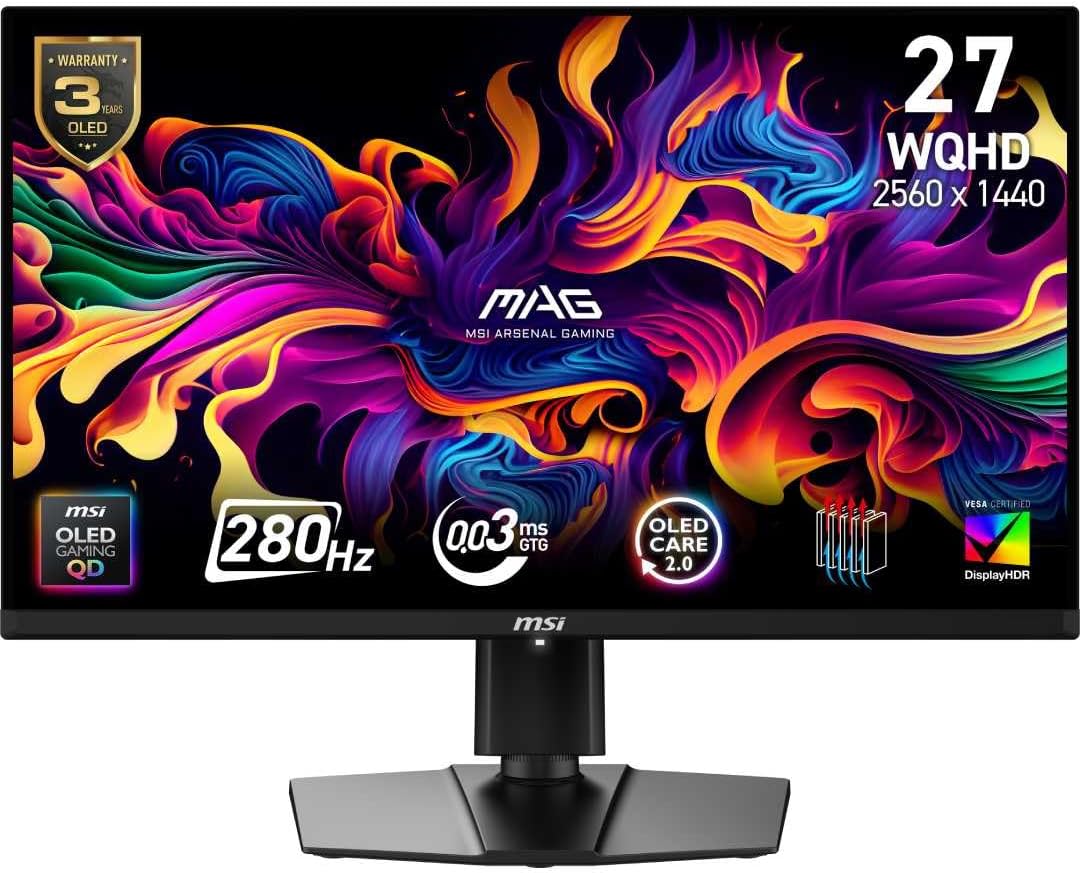
Screen: 26.5-inch QD-OLED, 2560 × 1440
Refresh rate: 280Hz
Ports: 2 × HDMI 2.1, DisplayPort 1.4a, USB-C (15W)
ASUS ROG Strix OLED XG27ACDMS: 280Hz with desktop controls
The ASUS and MSI share the same headline resolution and refresh rate. ASUS provides DisplayWidget Center, allowing display settings to be adjusted from Windows, and lists a three-year warranty including panel burn-in. It has one HDMI 2.1 input, rather than MSI’s two, alongside DisplayPort and 15W USB-C. That is enough for one console plus a PC; the second HDMI on the MSI matters if you keep two consoles connected. ASUS specifications.
ASUS ROG Strix OLED XG27ACDMS
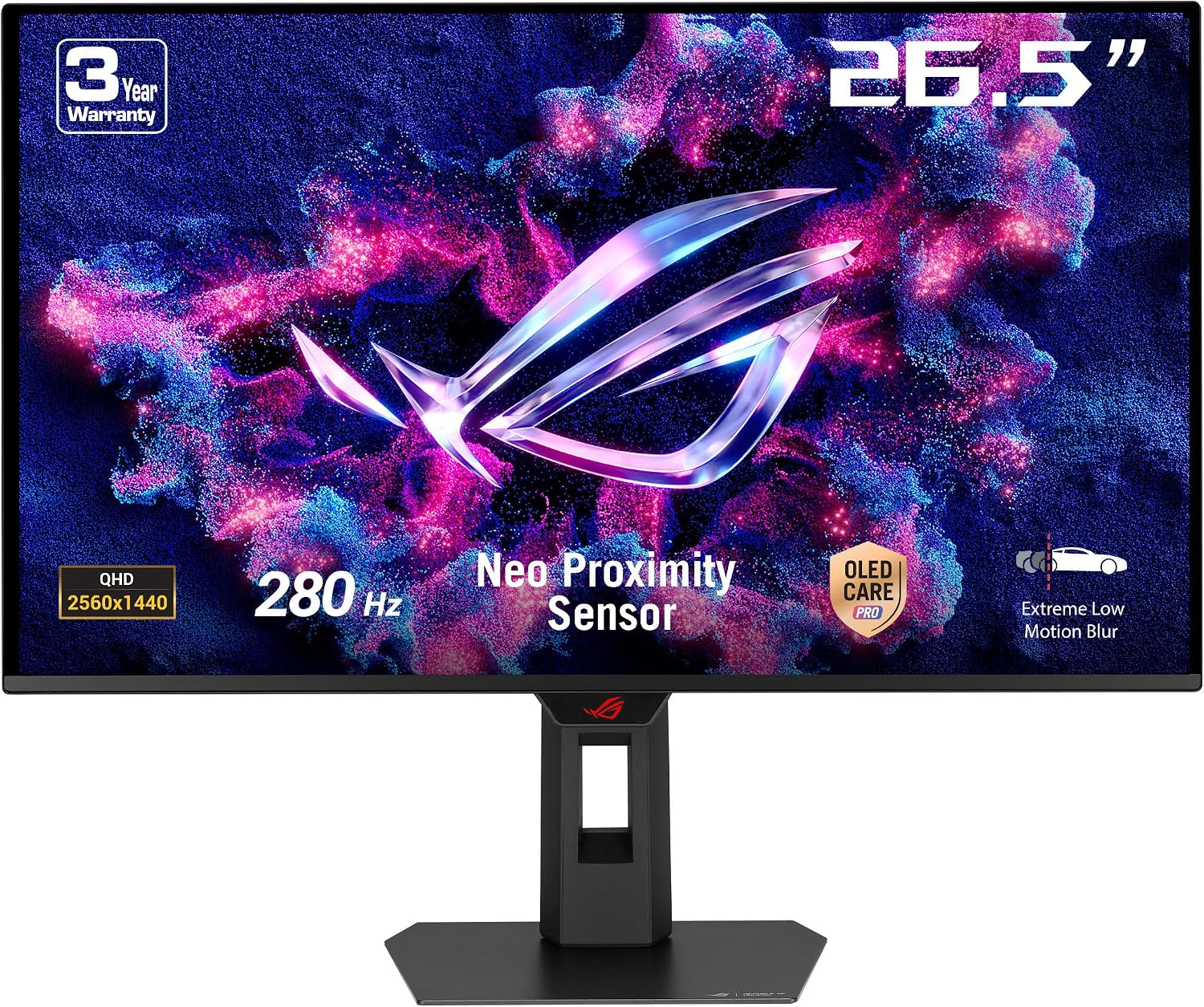
Screen: 26.5-inch QD-OLED, 2560 × 1440
Refresh rate: 280Hz
Ports: HDMI 2.1, DisplayPort 1.4, USB-C (15W)
Alienware AW2725DF: 360Hz for the right PC
The AW2725DF has the highest refresh rate in this group. Its 360Hz mode needs DisplayPort, while Dell specifies up to 144Hz at QHD through HDMI. That makes it a specialist PC choice rather than the obvious console choice. RTINGS’ testing found exceptionally sharp motion, while also noting VRR flicker with changing frame rates and slightly weaker text clarity than some other 27-inch 1440p screens. Its Amazon AU product page groups reviews from multiple Alienware sizes and refresh-rate variants, so check the selected AW2725DF variant rather than relying on the pooled rating. Dell specifications.
Alienware AW2725DF
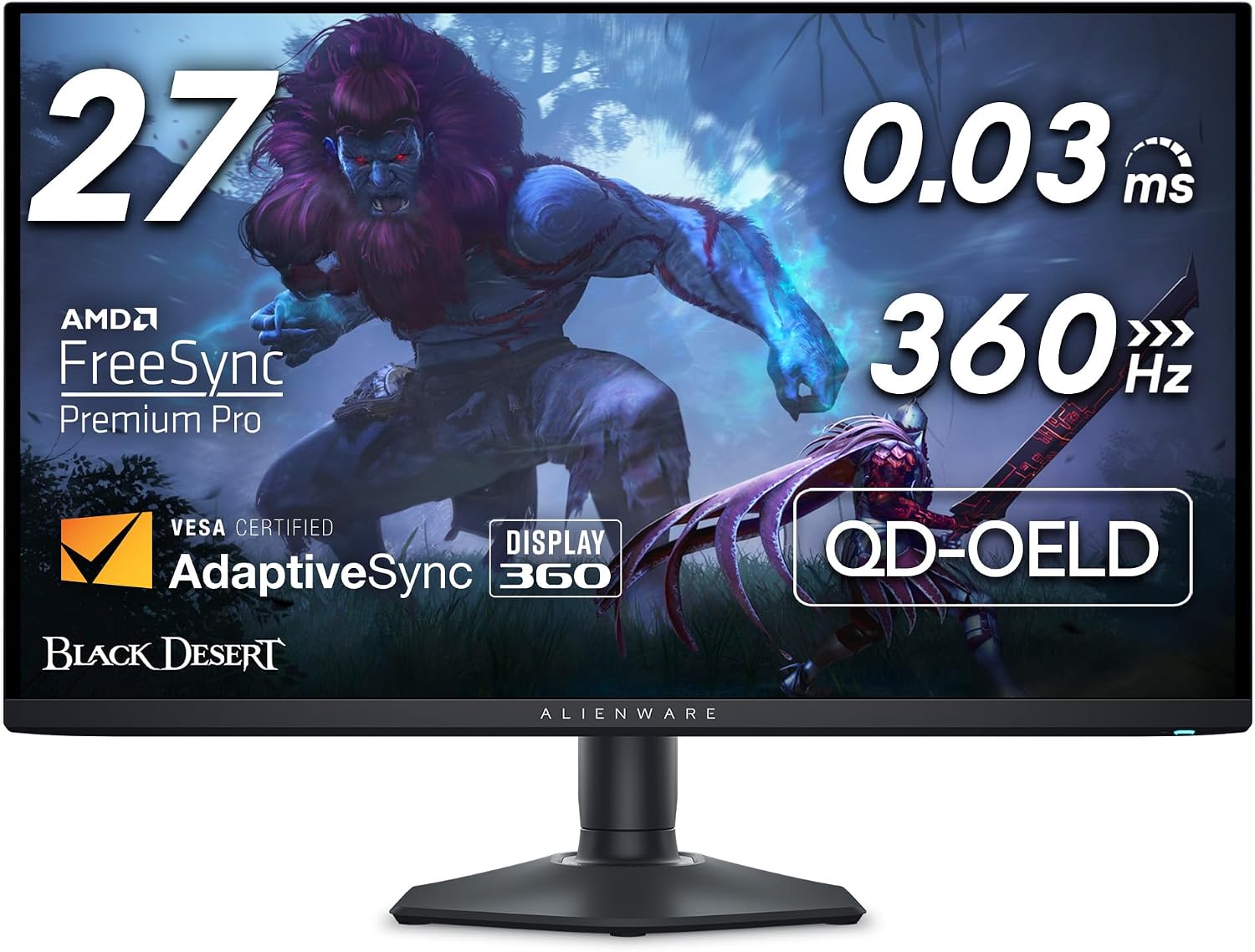
Screen: 26.7-inch QD-OLED, 2560 × 1440
Refresh rate: 360Hz over DisplayPort
HDMI limit: 144Hz at 2560 × 1440
Which one fits your desk?
For a DisplayPort gaming PC and one console, compare the live MSI and ASUS prices first. Both offer 280Hz QHD, and their port counts are the clearest practical difference. The AW2726DM covers 240Hz gaming without USB extras. The AW2725DF makes sense when a PC can run games well above 240 frames per second and the HDMI ceiling is irrelevant. For long hours of document work, look at a 4K model too: a 32-inch OLED comparison shows what extra resolution and USB-C power can add.