A console can output 4K at up to 120Hz, so a monitor’s 240Hz or 360Hz label is mainly a benefit for a PC. The first decision for a PS5 or Xbox desk is whether you want 4K detail on a 32-inch screen or a smaller 27-inch 1440p display. After that, check the HDMI input and any other devices that will share the monitor.
| Monitor | Screen | Console-friendly connection | Better fit |
|---|---|---|---|
| Dell S3225QC | 32-inch 4K, 120Hz | HDMI 2.1 | Console plus USB-C laptop |
| ASUS ROG Swift PG32UCDMR | 32-inch 4K, 240Hz | Two HDMI 2.1 inputs | Console plus high-end PC |
| MSI MPG 271QRX | 27-inch 1440p, 360Hz | Two HDMI 2.1 inputs | Fast PC plus console |
| MSI MAG 271QP X28 | 27-inch 1440p, 280Hz | Two HDMI 2.1 inputs | Smaller mixed setup |
Dell S3225QC: 4K without paying for 240Hz
The Dell’s 3840 × 2160 panel runs at 120Hz, matching the top refresh rate a current console can use. Its HDMI 2.1 input also supports variable refresh rate. RTINGS’ console tests found low input lag and sharp motion, while noting that QD-OLED blacks can appear purple in a bright room. A USB-C display input with 90W power delivery makes the Dell more practical if a laptop shares the desk. The limitation for a serious gaming PC is clear: 120Hz is the ceiling.
Dell S3225QC
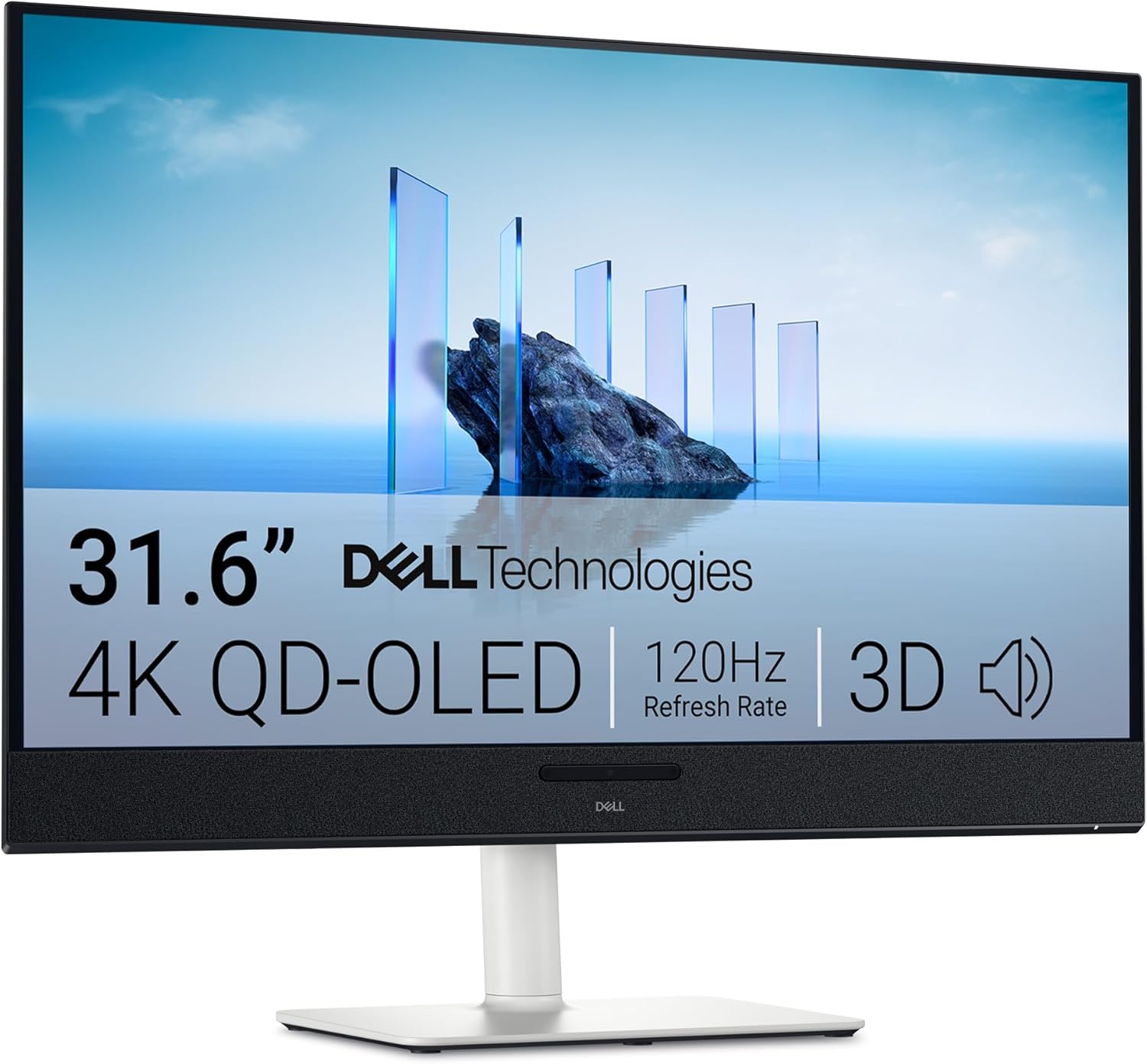
Screen: 31.6-inch QD-OLED, 3840 × 2160
Refresh rate: 120Hz
Ports: HDMI 2.1, USB-C display input (90W)
ASUS PG32UCDMR: 4K for both console and PC
The ASUS has the same 4K resolution and approximate screen size, but raises the maximum refresh rate to 240Hz for a capable PC. Two HDMI 2.1 ports make it easier to keep a PS5 and Xbox connected, while DisplayPort 2.1a and a 90W USB-C display input cover a desktop and laptop. Those extra connections and the higher refresh rate matter only if you will use them; a console alone cannot run at 240Hz. ASUS specifications.
ASUS ROG Swift OLED PG32UCDMR
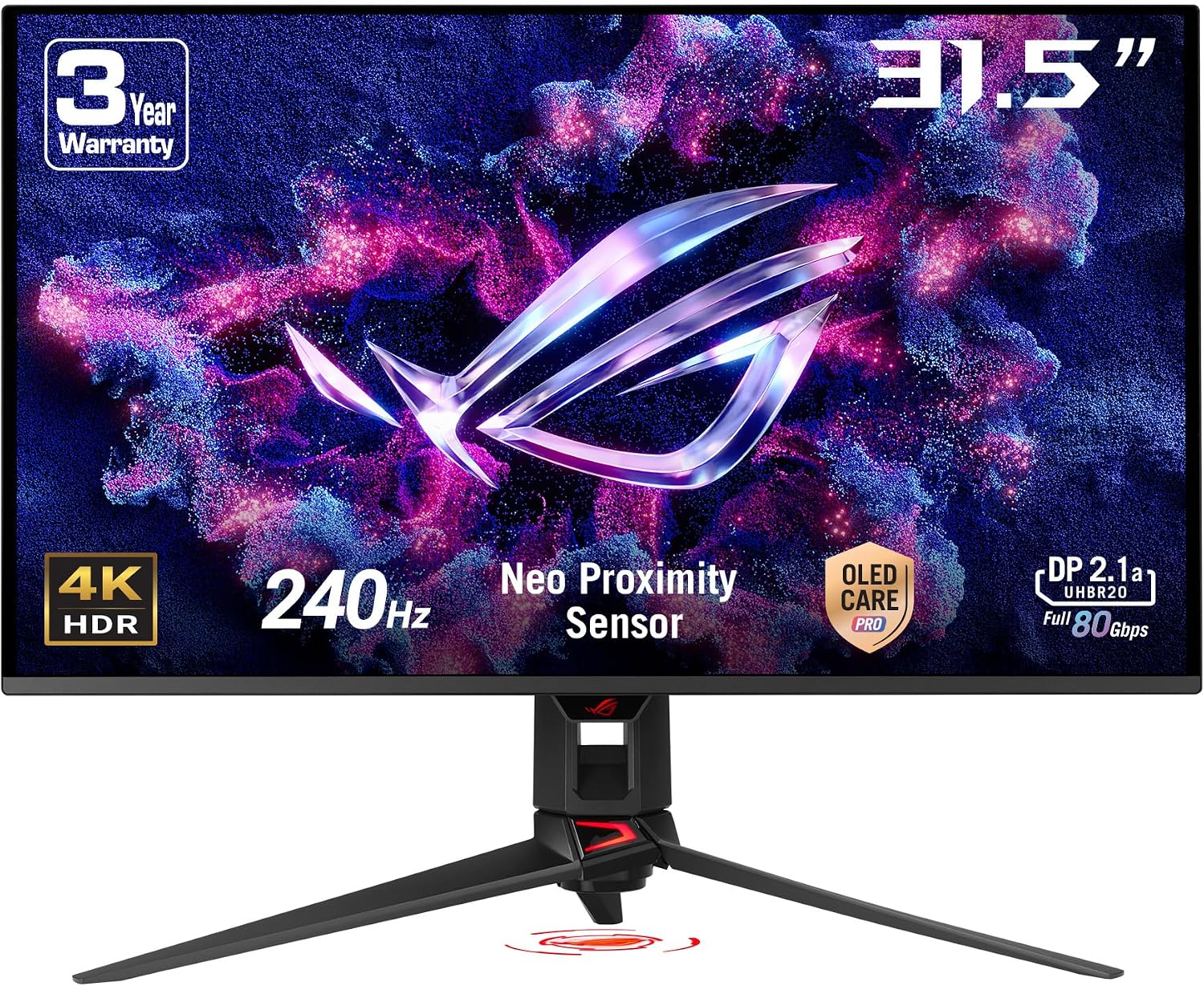
Screen: 31.5-inch QD-OLED, 3840 × 2160
Refresh rate: 240Hz
Ports: DisplayPort 2.1, 2 × HDMI 2.1, USB-C (90W)
MSI MPG 271QRX: 1440p for a fast PC as well
MSI’s 27-inch screen is QHD rather than 4K. Its two full-bandwidth HDMI 2.1 ports accept console signals, and RTINGS found it handles PS5 and Xbox signals well. The 360Hz headline becomes useful when you switch to a PC. A KVM switch and 90W USB-C display input also make it the most flexible of these smaller monitors for sharing a keyboard and mouse with a laptop. RTINGS cautions that its earliest firmware had higher input lag; check for a current update. MSI specifications.
MSI MPG 271QRX QD-OLED
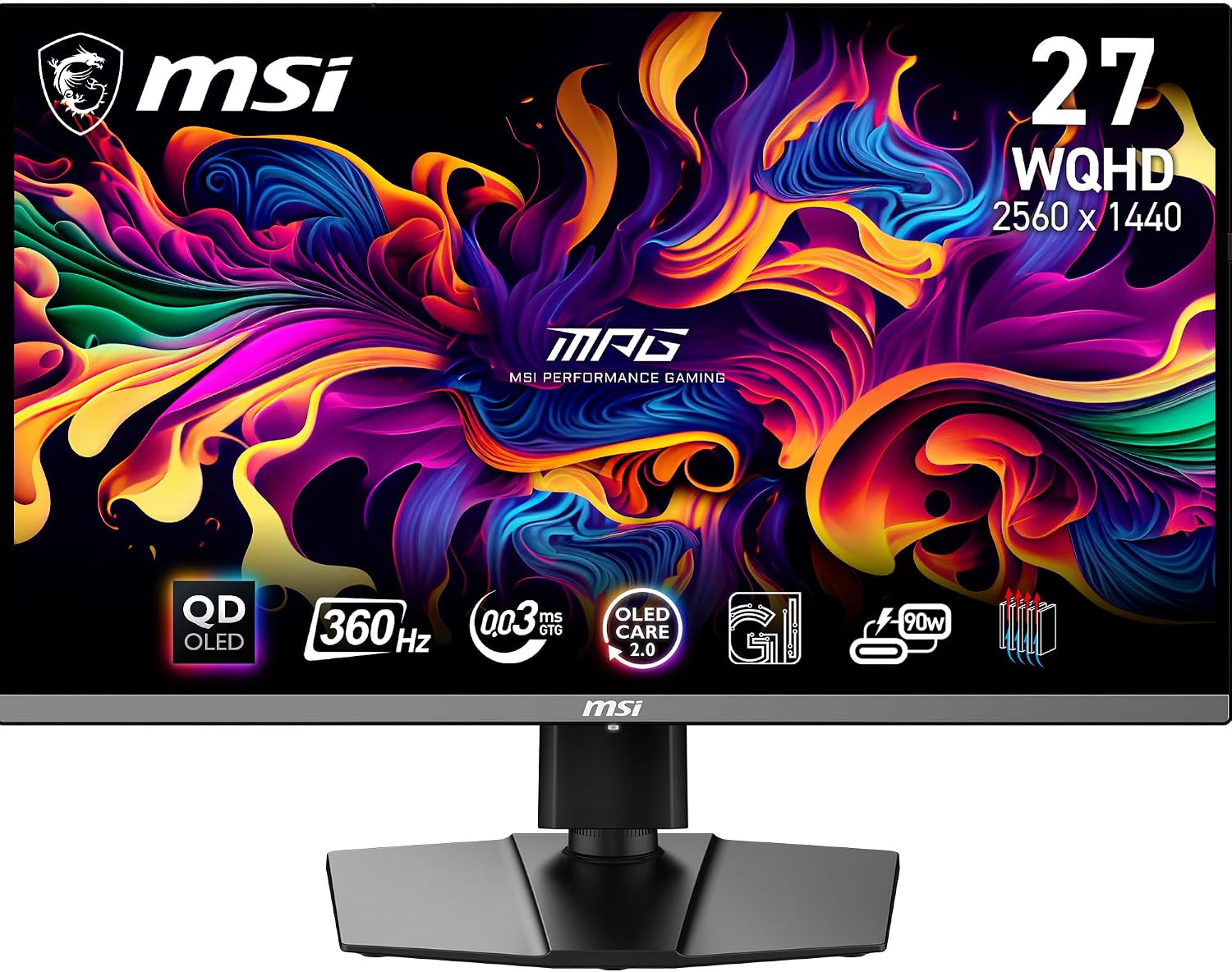
Screen: 26.5-inch QD-OLED, 2560 × 1440
Refresh rate: 360Hz
Connections: 2 × HDMI 2.1, DisplayPort 1.4a, USB-C (90W), KVM
MSI MAG 271QP X28: a smaller, simpler setup
The MAG 271QP X28 also provides two HDMI 2.1 inputs, a DisplayPort input and 27-inch QHD resolution. It runs at up to 280Hz with a PC. Its USB-C port supplies only 15W, however, so it cannot replace a normal laptop charger in the way the MPG 271QRX can. It is worth comparing the live prices of the two MSI models if you have no need for a KVM or 90W USB-C. MSI specifications.
MSI MAG 271QP QD-OLED X28
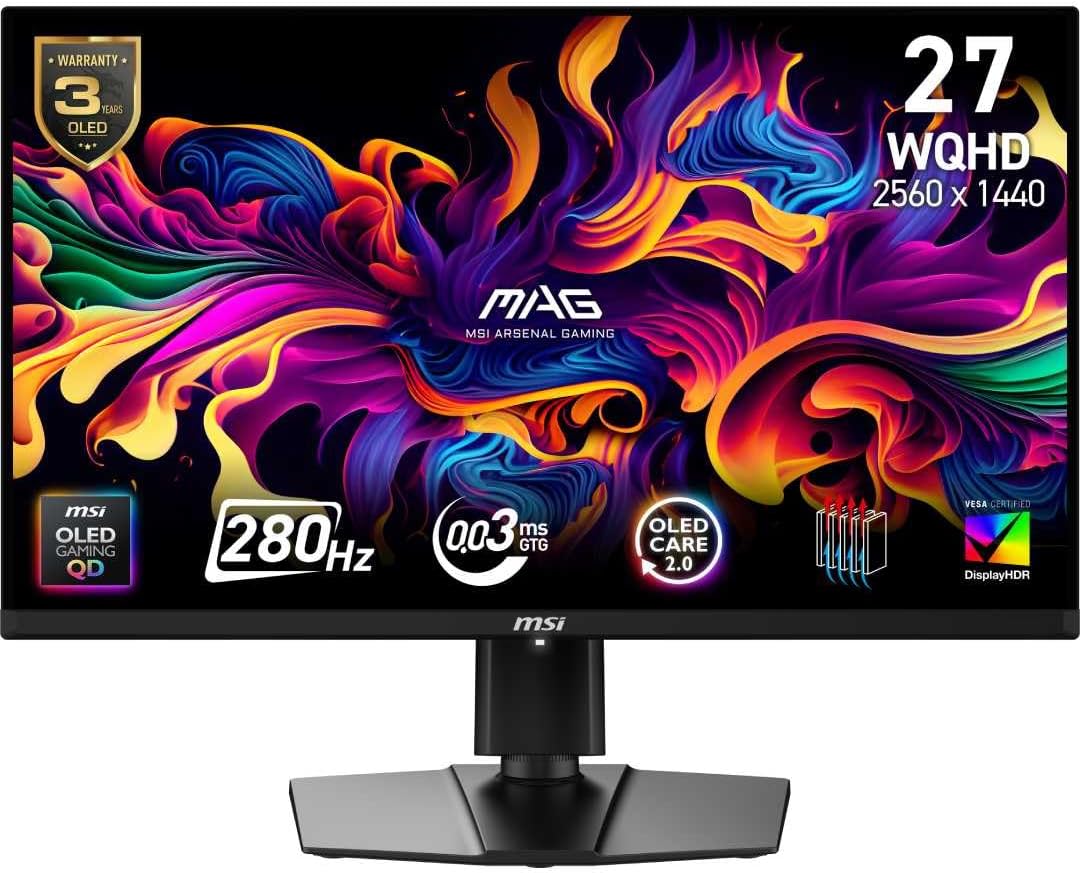
Screen: 26.5-inch QD-OLED, 2560 × 1440
Refresh rate: 280Hz
Ports: 2 × HDMI 2.1, DisplayPort 1.4a, USB-C (15W)
What to check before buying
Choose a 16:9 monitor for a console-first desk. Ultrawide OLED monitors can display console output, but consoles do not render games in 21:9, so the extra width may sit unused. For PC gaming alongside a console, compare the monitor’s refresh rate at the exact resolution and input you will use. For laptop use, distinguish a USB-C display input with 90W power delivery from a USB-C accessory port with only 15W charging.