Both monitors fill a 34-inch curved screen with 3440 × 1440 pixels. That 21:9 shape gives PC games a wider field of view when they support ultrawide output and leaves room for two desktop windows. The difference is whether you want the Alienware’s faster 240Hz panel or the Samsung’s 175Hz panel with TV-style features.
| Feature | Alienware AW3425DW | Samsung Odyssey OLED G8 G85SD |
|---|---|---|
| Resolution | 3440 × 1440 | 3440 × 1440 |
| Curve | 1800R | 1800R |
| Maximum refresh | 240Hz | 175Hz |
| Display inputs | DisplayPort 1.4, two HDMI 2.1 | DisplayPort 1.4, two HDMI 2.1 |
| USB-C display input | No | No |
| Built-in smart apps and speakers | No | Yes |
Alienware AW3425DW: 240Hz and straightforward PC inputs
The AW3425DW is the stronger fit for high-frame-rate PC gaming. Dell lists 3440 × 1440 at up to 240Hz through DisplayPort and both HDMI inputs. Its USB-C port is downstream for accessories and supplies 15W; it is not a laptop display input. RTINGS’ AW3425DW tests found crisp motion and low input lag at maximum refresh, but also distracting VRR flicker when frame rates change in dark scenes. It reported text fringing and burn-in risk with long periods of static office content. Dell specifications.
Alienware AW3425DW
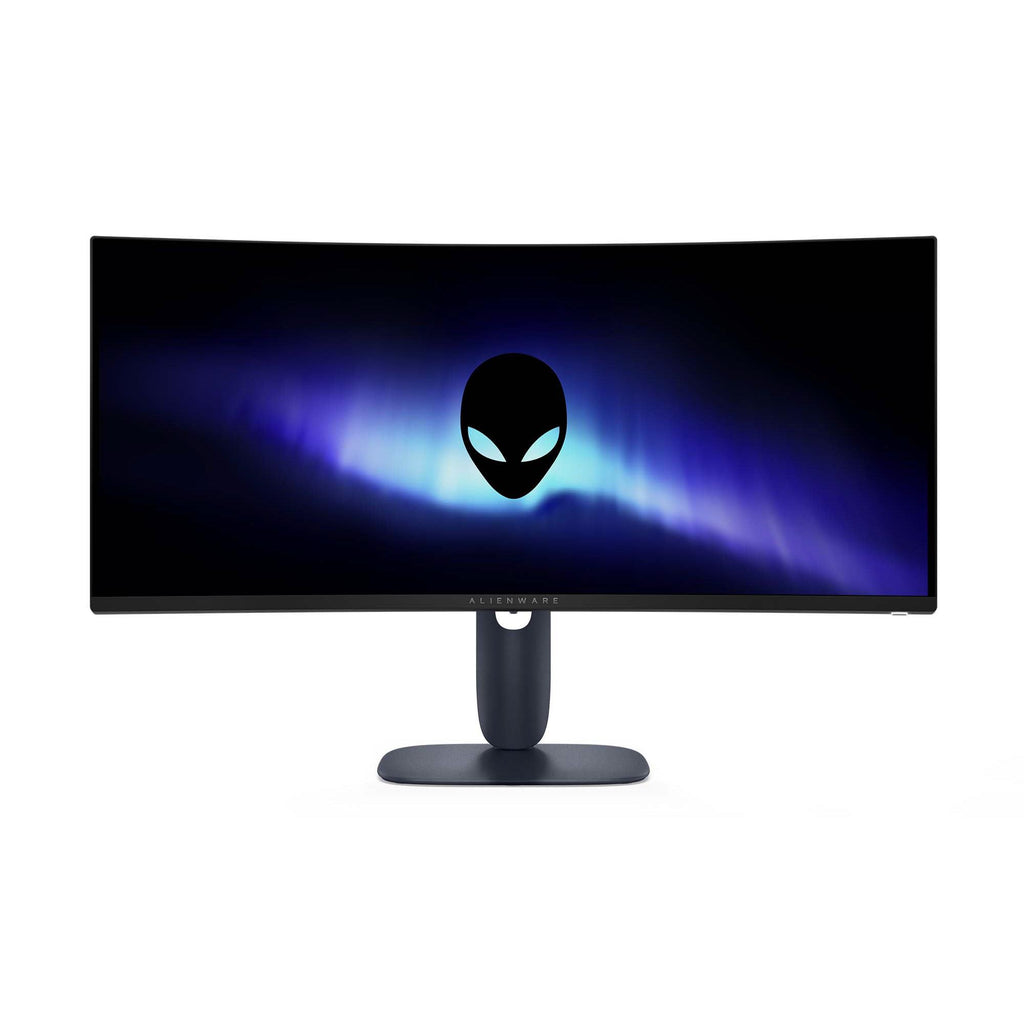
Screen: 34.2-inch curved QD-OLED, 3440 × 1440
Refresh rate: 240Hz
Connections: 2 × HDMI 2.1, DisplayPort 1.4, USB-C downstream (15W)
Samsung Odyssey OLED G8 G85SD: 175Hz with smart features
Samsung’s G85SD tops out at 175Hz and adds a Tizen smart platform, Gaming Hub, a remote and built-in speakers. Its OLED Glare Free finish may appeal in a room with reflections, while the 1800R curve and 3440 × 1440 resolution keep the same broad desktop shape. Samsung lists two HDMI 2.1 inputs, DisplayPort 1.4 and a USB hub, but no USB-C display input. Its Australian specification page says burn-in under normal use is covered within warranty terms; commercial use, abuse and misuse are excluded. Check the exact model suffix LS34DG850SEXXY at checkout because other Odyssey OLED G8 generations have different hardware. Samsung specifications.
Samsung Odyssey OLED G8 34-inch (G85SD)
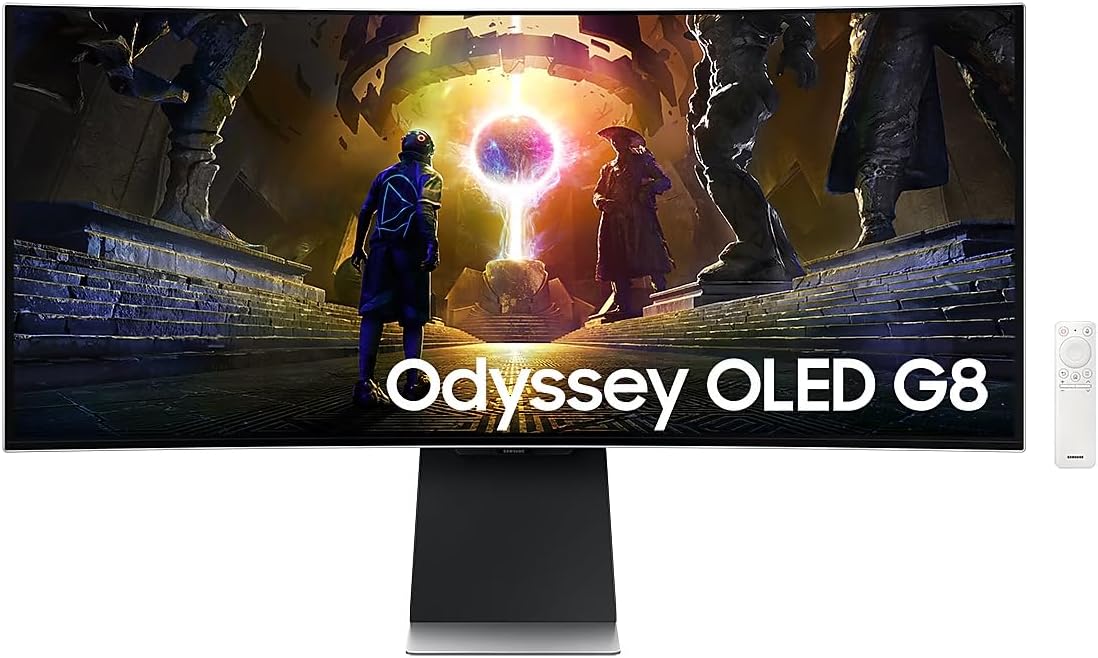
Screen: 34-inch curved OLED, 3440 × 1440
Refresh rate: 175Hz
Aspect ratio: 21:9
The practical choice
Choose the Alienware if a PC capable of driving 3440 × 1440 above 175 frames per second is the main source. Choose the Samsung if built-in streaming apps, speakers and its matte-style glare treatment matter more than the extra refresh rate. Neither is a one-cable USB-C laptop dock. A PS5 or Xbox can connect to either, but consoles output a 16:9 picture; black bars will remain at the sides instead of filling the ultrawide panel.